Automate and standardise your organisation's work. With governance.
Roubot is a desktop app. You describe a task in the chat, it turns it into a step-by-step flow, and you can see and change that flow in a visual editor before running it.
At the end of the day, every organisation knows what was done, when, how, where, why and who authorised it.
- Read emailsclaims inbox · official APIChecked: it happened
- Save an email's attachments to disk3 attachments · filesChecked: it happened
- Extract datapolicy, date, descriptionDone according to whoever ran it; still to be checked
- Ask a person for approval10 fields · 2 doubtfulWaiting for a person
- Type into a field of a page or a programinsurer websitePending
- action types in the catalogue
- 136
- families, from files to email and web
- 9
- types with their action already built
- 114
- checked runs in a row to become autonomous
- 20
Ask in your own words. Review it before it does anything.
The steps work with what an office already uses: email, folders and files, Word and PDF, Excel and CSV, web pages, desktop programs and databases.
- Say it
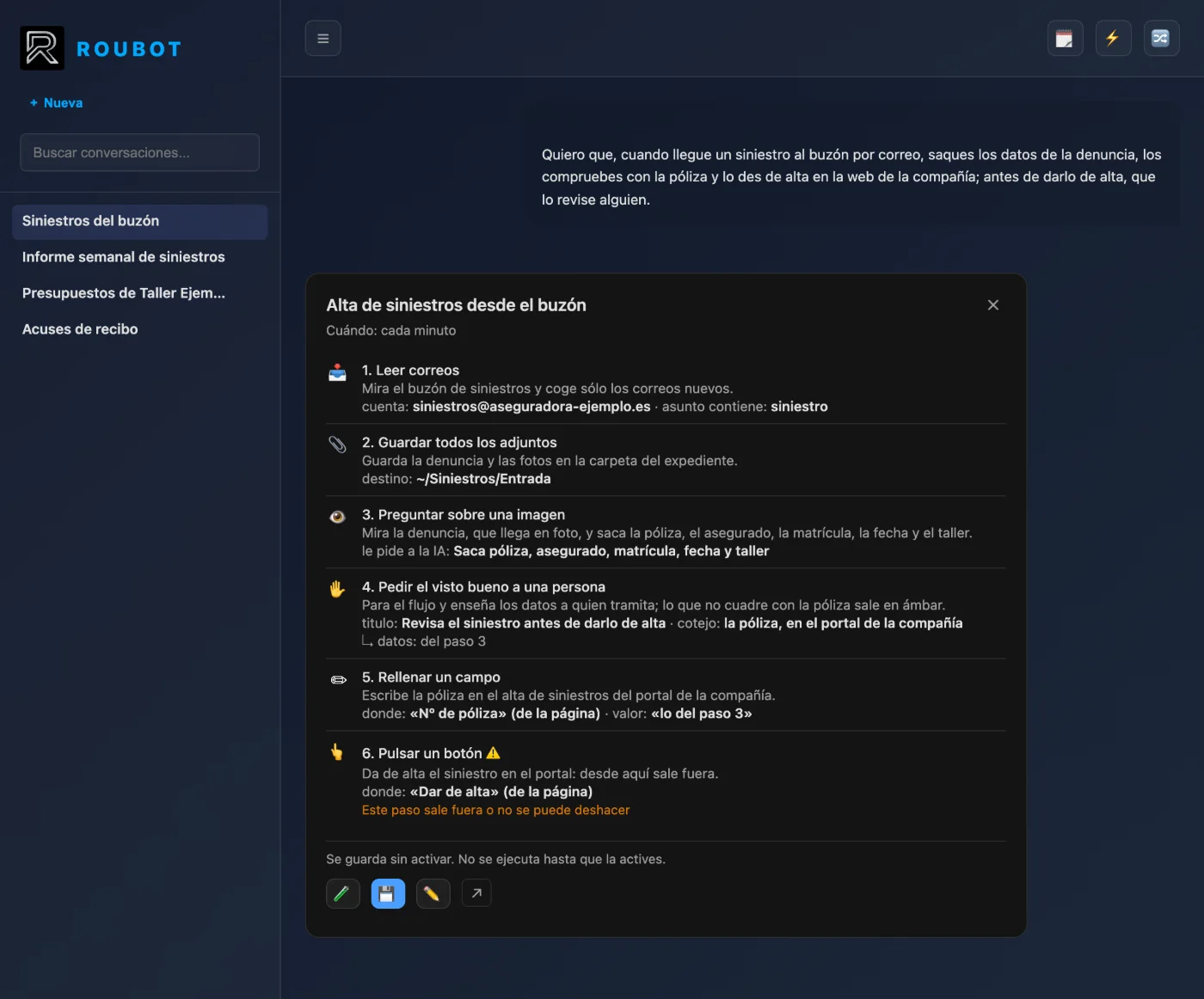
You ask for the automation in the chat in your own words ("I want that, when a claim arrives by email, you register it on the insurer's website") and Roubot proposes the flow on a card that you review before saving it.
- Born switched off
A flow prepared by the chat is born switched off: it does not run on its own until you switch it on.
- Rehearse it
A flow can be rehearsed with no side effects: reads happen for real and the steps that would leave the machine are simulated, recording what they would have done.
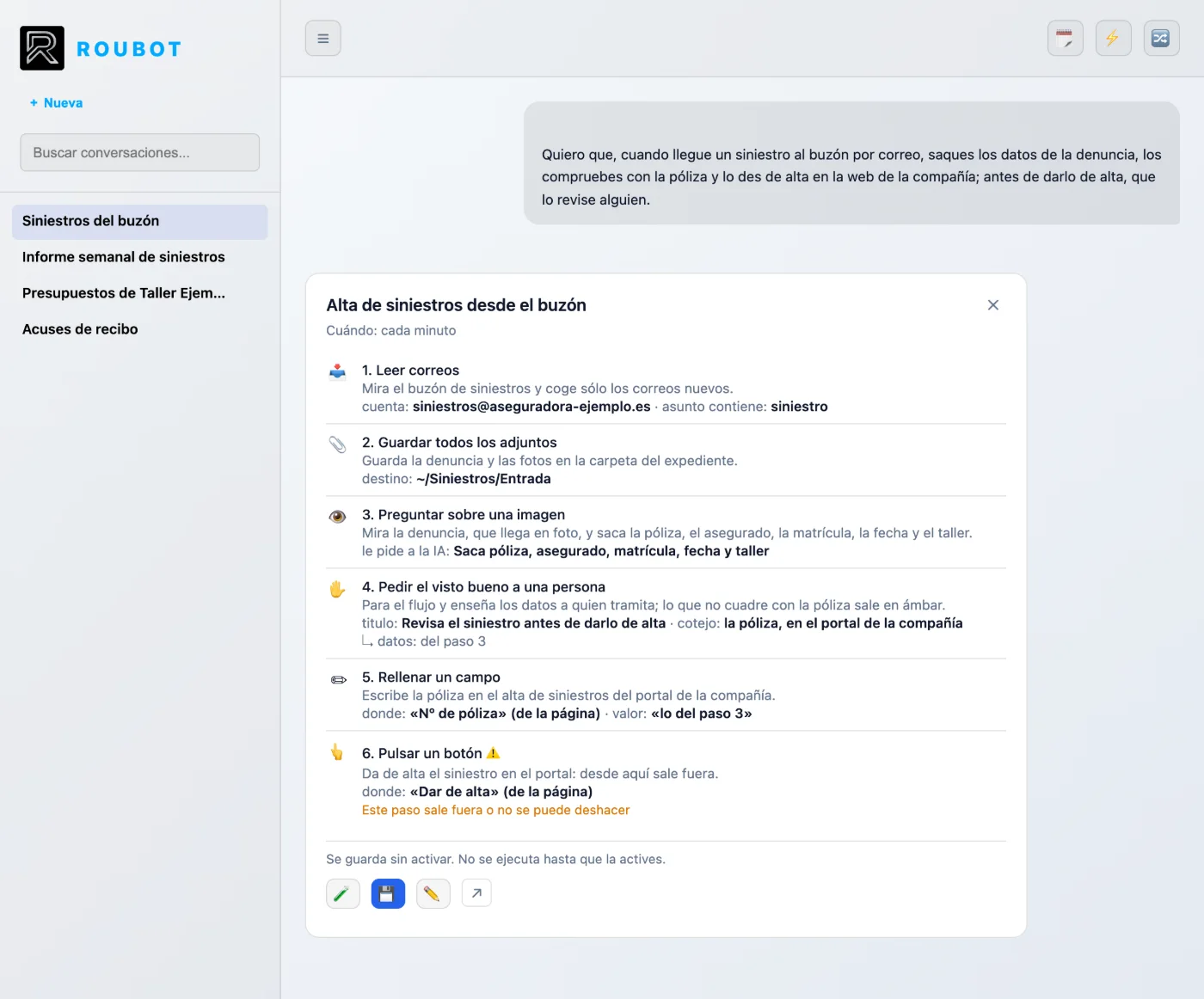
A real case
The claim that arrives by email
Roubot's demo: an email arrives with three photographed documents and out comes a claim file set up in the management system, archived, with an acknowledgement drafted and waiting for approval. The flow stops before writing anything in the system until a person approves.
- Arrives
Checks whether an unread claim has arrived.
- Saves
Saves the three attached photos to the claim file.
- Looks
Looks at the photos of the report and the quote and fills in the record.
- Looks up
Looks up the policy in the system before writing anything.
- Waits for a person
Shows what it extracted, highlights in amber what does not match and waits for a person.
- Fills in
Fills in the ten fields and saves the claim as pending.
- Files and records
Files the documents, writes the acknowledgement without sending it and leaves a Word record.
Governance
Everything it does can be seen, explained, audited and stopped
The opposite —agents doing things with no one knowing when, how, where or why— is exactly what Roubot exists to prevent.
Autonomous only with a scorecard
20/1/0
20 checked, 1 failed, 0 unknown; the streak starts again
To become autonomous, an automation needs 20 checked runs in a row; 60 if any step leaves the machine or cannot be undone.
Twenty out of twenty does not prove it never fails: it shows, with 95% confidence, that it fails at most 1 time in 7. Sixty in a row show at most 1 in 20.
Every step, recorded
Every step of a flow is recorded in a log on your computer: what it did and to what, by which route, how long it took, how it ended, the cause if it failed, the retries and who authorised it.
The check decides
The outcome is decided by a check, not by what the action reports: a sent email is looked up in Sent; a file or a sheet is opened again. If the check says it did not happen, the step fails.
Checked: it happened No way to tell whether it happened
A person decides what matters
A flow can stop and wait for a person's approval. They see what is about to happen, with anything doubtful highlighted, and can correct the data before approving.
Silence is not approval: if nobody answers in time, the answer is no.
The same task, always the same way
Every Roubot action has its type in a shared catalogue —read a document, append rows to a sheet, send an email…— and each type states whether it leaves the machine, whether it can be undone and how it is checked.
Your data, on your computer
Your data is stored in a PostgreSQL database on your computer. If you do not have one, Roubot starts its own, with the data in your user folder. Only the definition of your automations goes to the Roubot cloud, and only when you sync. Run history, conversations, files and settings are not uploaded.
Every flow, in plain sight
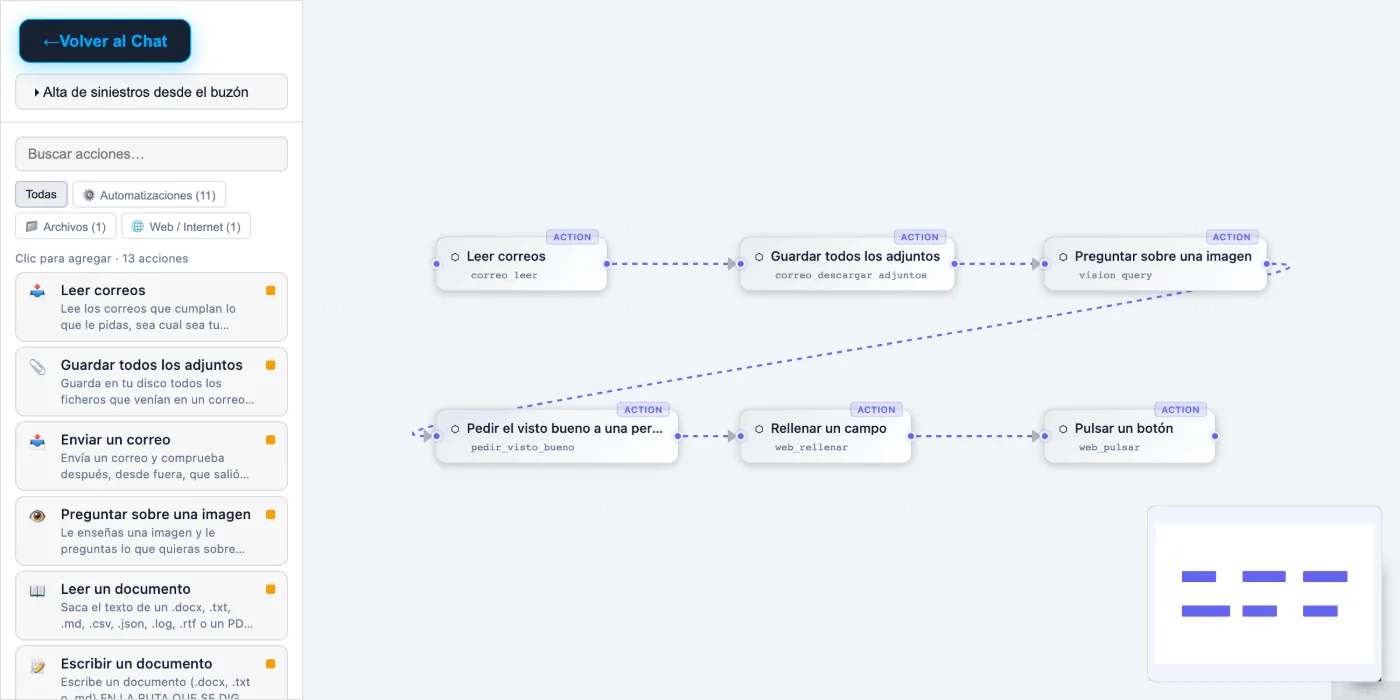
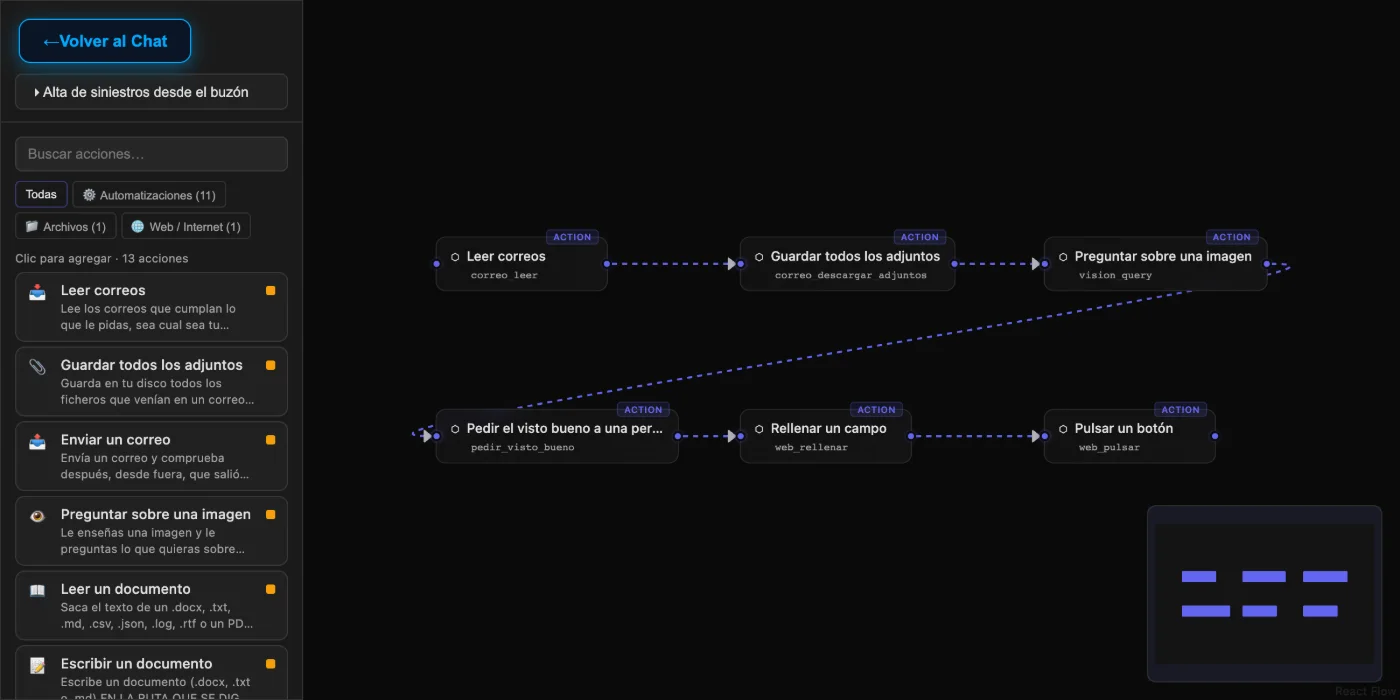
In the visual editor, while a flow runs, you see its blocks light up. From there you save it, run it, stop it, schedule it or start from a template.
A flow starts by hand, at a set time, or when an email arrives (it then checks the mailbox every minute while it is switched on).
For each job it uses the most solid route available: the official API, the application's own API, the accessibility tree, the web page or the files. Looking at the screen and moving the mouse is the last resort.
At the end of the day, in plain words
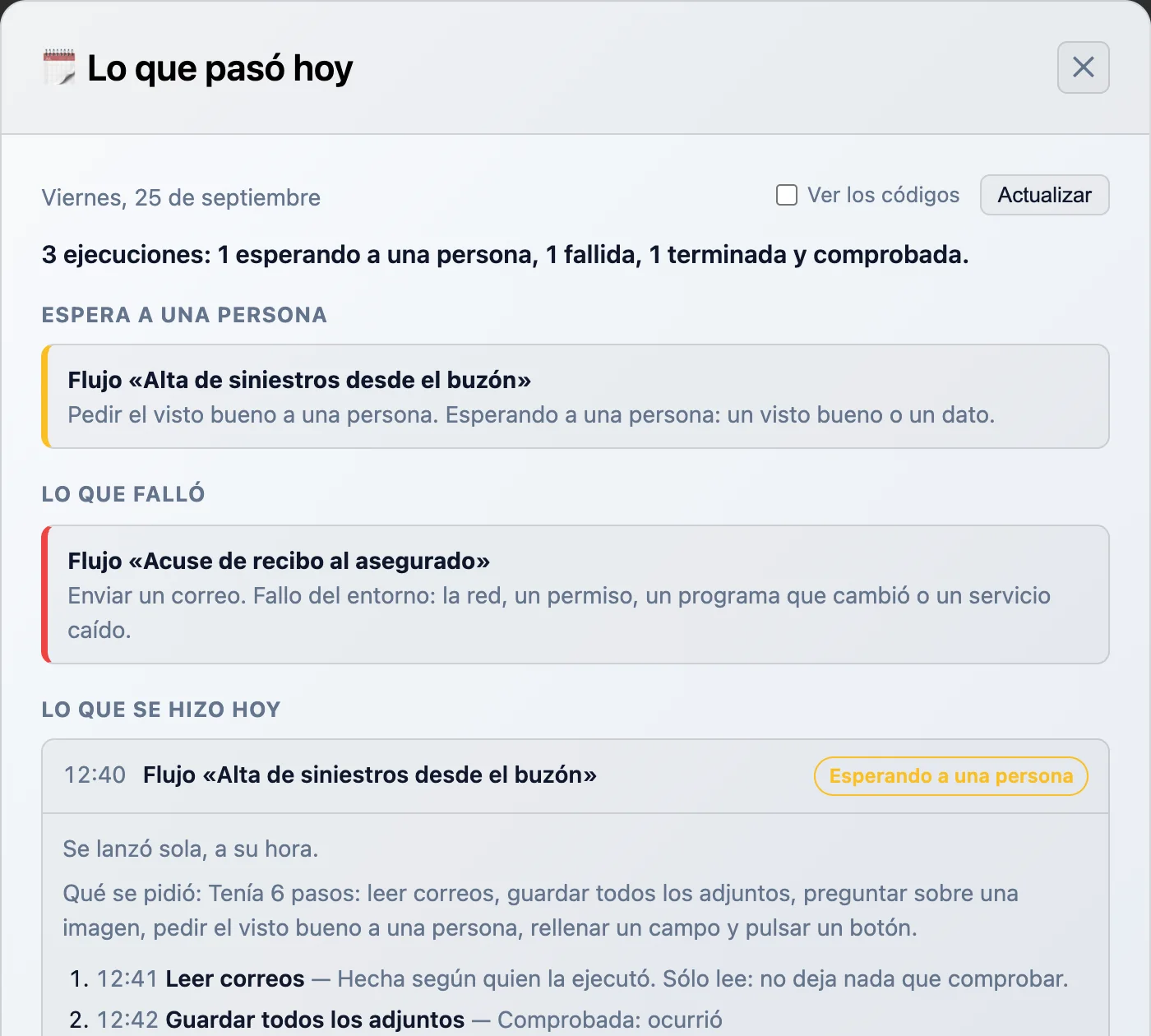
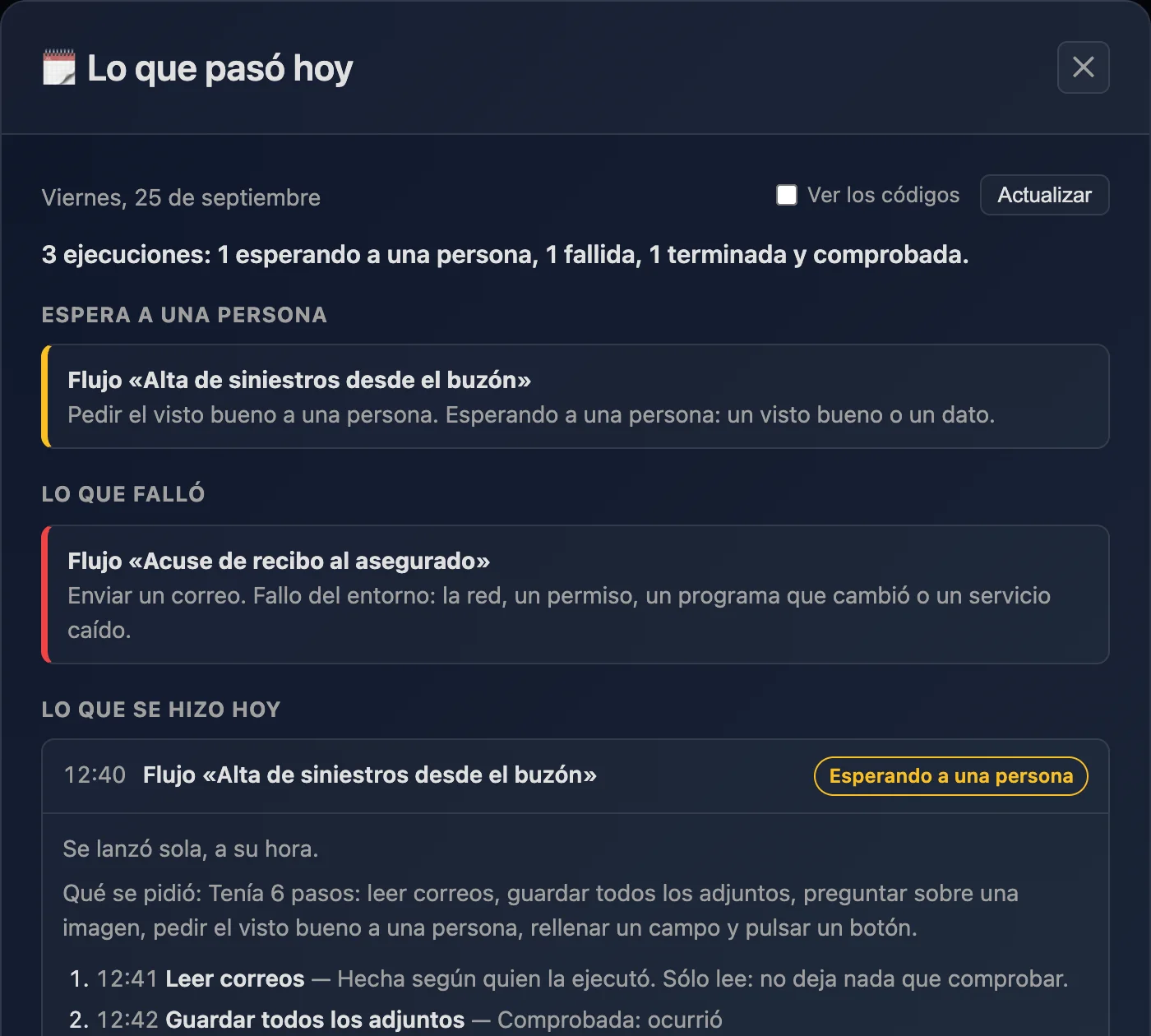
The "What happened today" screen shows, in plain words, what is waiting for a person and what failed; below that, each run of the day with its steps, and the scorecard of each automation.
Every state has a short code stored in the log, and a decoder translates it into plain words, in Spanish and in English.
By area of your organisation
Use cases for each area: the requests Roubot is tested with, and examples built from actions that already exist.
Administration and finance
Invoices, receipts, collections and payments: whatever arrives by email or in a folder, recorded in its sheet and filed where it belongs.
3 casesInsurance
Policies, premiums and claims: from the incoming email to the insurer's system, with a person deciding what matters.
3 casesSales and customers
Quotes, orders and follow-up: replies prepared for review, never sent on their own.
2 casesCustomer support
Enquiries and complaints sorted, with the customer's data at hand.
2 casesHuman resources
Staff paperwork in order and documents made from their templates.
2 casesOperations and logistics
Delivery notes, shipments and suppliers: what changes outside, seen in time.
2 casesLegal and compliance
Contracts from templates and regulatory changes watched, with a person reviewing.
2 casesMarketing
What is published in your sector, summarised; texts translated and ready for review.
2 casesIT and systems
Backups, folder reports and maintenance that is not forgotten.
2 casesManagement and office
Day to day: the morning email summary and whatever repeats every week.
2 casesWhat Roubot does not do yet
We say it here, just like what is done. Every sentence on this site can be checked against Roubot's code.
- Every action already has a risk level (low, medium, high or critical), but it does not block anything yet: making high and critical actions ask for confirmation is on the way.On the way
- Today there are still actions the chat performs directly without going through the flow log. Leaving none outside is rule number one, and it is on the way.On the way
- Approval by type of action: anything that leaves the machine or cannot be undone will always ask until the automation is autonomous; payments and deleting other people's data, always.On the way
- A library of automations by business area: uploaded and downloaded from Roubot, each with a public card, and the content can only be opened by a Roubot installation.On the way
See it working on your own work
Tell us about a task that repeats in your organisation and we will show you how it would look as a flow, with its log.
hola@roubot.ai